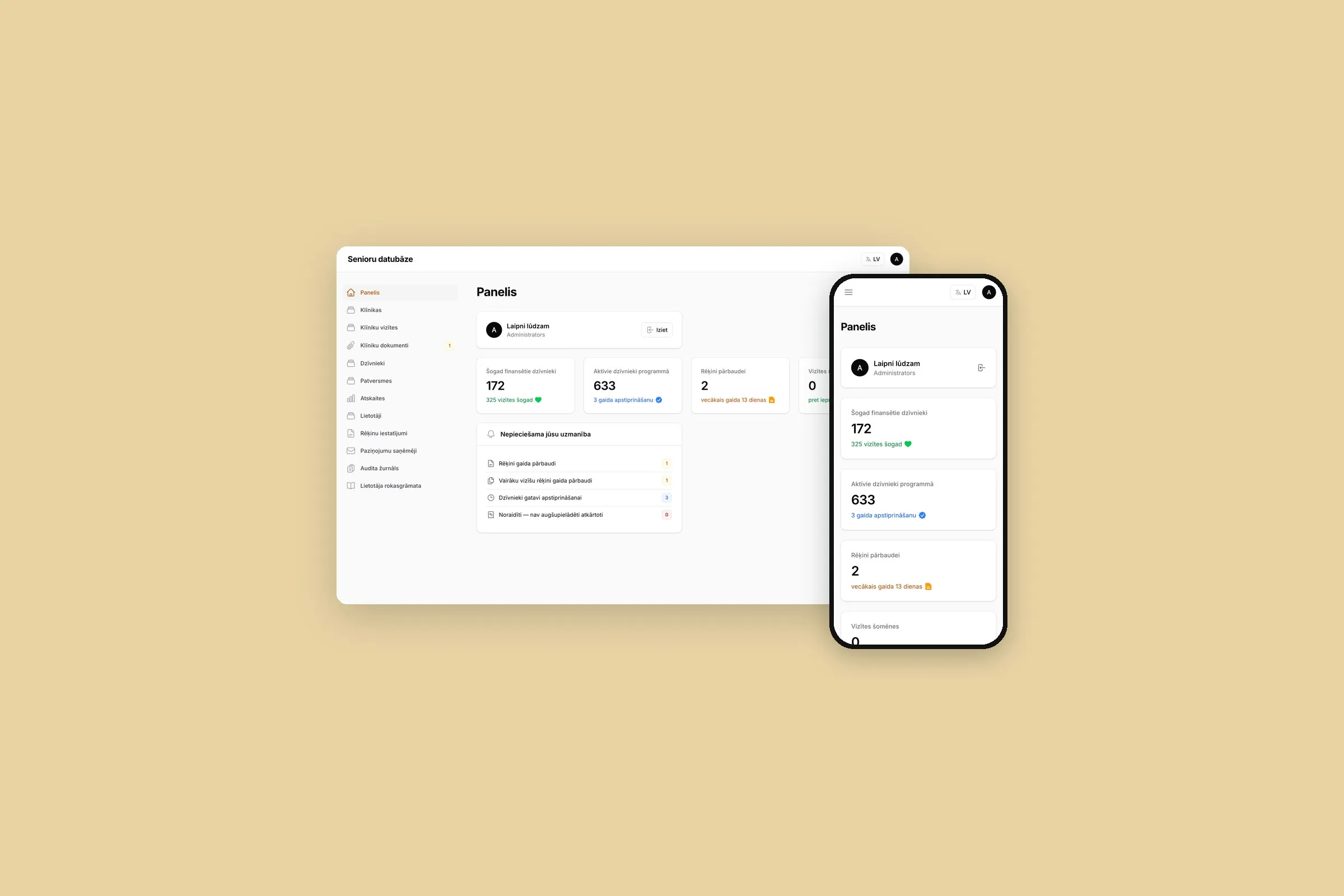
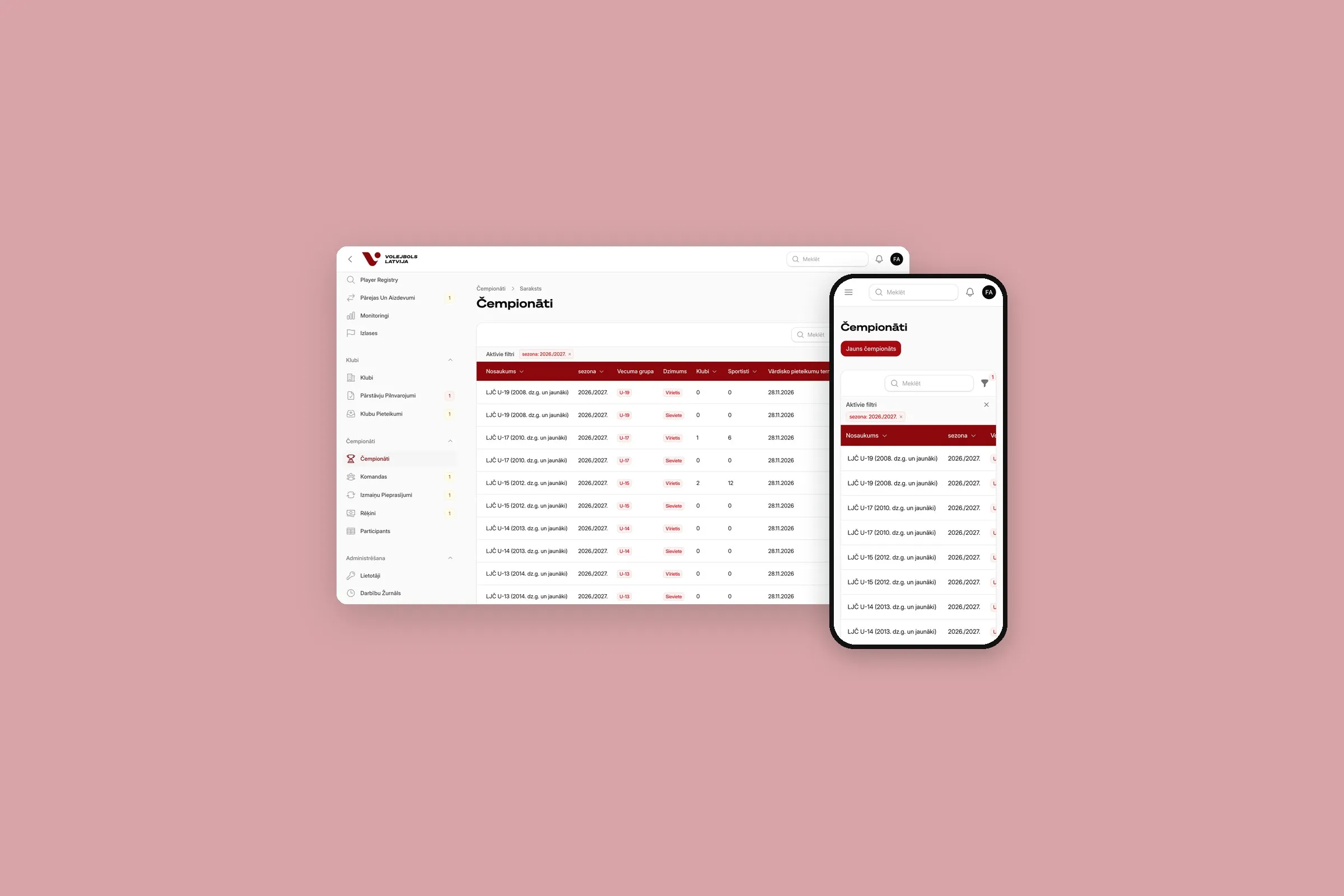
When your website has rules no plugin can follow, we build it in Laravel. Bookings, quotes and client accounts then work the way your team already does.
We start by following one real order or booking through your business, from start to finish. Then we build the smallest version that’s useful on its own, and you try each screen as it’s built, with your own prices and products in it.
What we build with Laravel
- Booking and ordering systems with your rules for availability, deposits and cancellations
- Client portals where customers log in to see their orders, documents and invoices
- Quote calculators that price a job the way your sales team does
- Internal tools that replace the shared spreadsheet and the retyping around it
- Integrations and APIs that keep your shop, CRM, accounting and warehouse in step
Your spreadsheet is half the spec
Say your sales team prices every order by hand: materials, size, delivery zone, a discount for regular clients. The columns are already a data model, and the formulas are the business rules.
That spreadsheet can become a calculator on your website. It gives the customer the same price your team would, sends a PDF quote and puts the lead in your CRM. Nobody retypes anything, and the rules live in one place.
| Your project | Our pick |
|---|---|
| Prices, bookings or approvals with rules of your own | Laravel |
| A WordPress site that needs one feature with rules of its own | WordPress, with that feature in our own code |
| A content website | WordPress, faster to build |
| A standard online store | Shopify, ready out of the box |
| Many teams, sign-off steps and languages | Drupal |
We follow one real order before we write any code
Map the work
We sit with the people who do the job today and follow one real order or booking from start to finish, noting every place someone retypes or waits.
Agree the first version
The smallest version that is useful on its own, such as online booking with a deposit. Reminders, the waiting list and the rest go on a list for later, in order of value.
Sketch the screens
Clickable screens for the main tasks, tried by the people who will use them, before anything is built.
Try it as it’s built
Each screen goes on a test copy as soon as it works, with your real prices and products in it, instead of a polished demo at the end.
Launch and look after it
The code ships with tests and documentation. A website maintenance plan covers security updates.
Our pipelines hold every change to the same gate: the tests, a static analyser that looks for bugs and a code-style check. If one fails, nothing is built. A person presses the button for the live site, the database is snapshotted first, and a release that fails its health check rolls itself back.
Moving off your old system
Replacing a system people use every day is the riskiest part of the job, so we rehearse it until it’s boring.
How we move you off an old system
- Every week we import a fresh copy of the old data, so by switch-over day the move is routine
- Each import compares old and new counts, table by table, and stops if they don’t match
- Possible duplicates, such as two people with the same name and birth year, go to you to confirm before anything is merged
- On the switch-over weekend the new system is read-only for everyone except your admins, so a problem found halfway is still easy to fix
- New modules can go live for your own team before your customers see them
Your own software, built from standard parts
Laravel is a free PHP framework. It gives us the parts every app needs, such as user accounts, email and background jobs, so your budget goes on what’s specific to you.
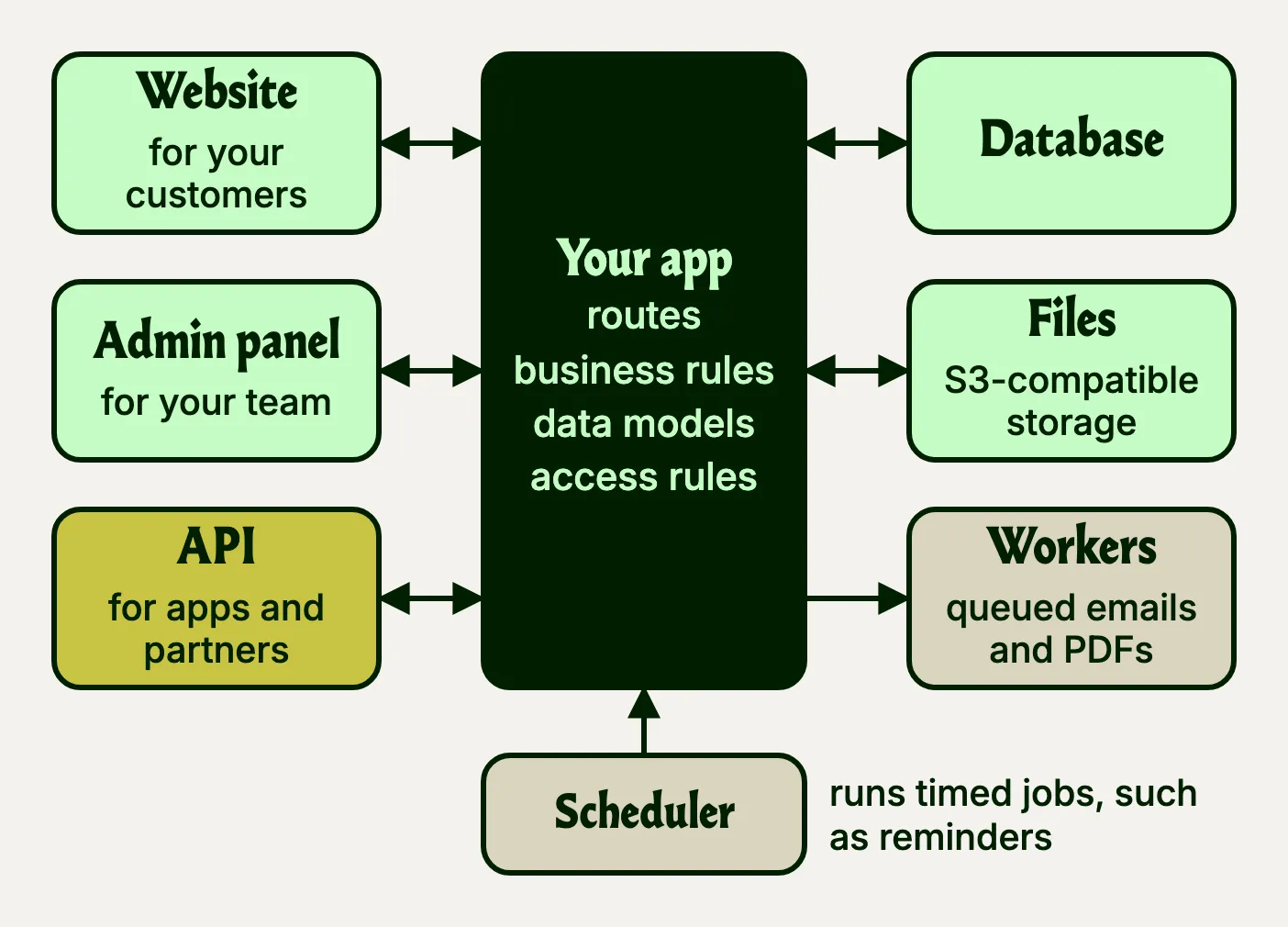
A business app usually has this shape. Customers, staff and other systems come in through the website, the admin panel and the API, and all three follow the same business rules. Slow or timed work, such as emails, PDFs and reminders, runs in the background.
| Part | What it does |
|---|---|
| Routes and controllers | Which web address does what: show a booking form, save it, send the confirmation. |
| Models and the database | Your data, such as clients, bookings and invoices, with migrations that record every change to the database’s structure. |
| Screens | The pages your customers use and the admin panel your team works in. |
| Queues and the scheduler | Slow jobs, such as PDFs and emails, run in the background; regular jobs, such as reminders, run on a timetable. |
| Tests | Automated checks that a new feature doesn’t break an old one. |
Your team works in an admin panel built around your data: a list of bookings with filters, a client record with its documents and history, buttons for the actions they take most. Roles decide who sees and changes what, and changes are logged with who made them and when.
Pages your team edits, such as news and help texts, get their own screens in the same admin, or come from a headless CMS. It works the other way round too: a WordPress site can use Laravel’s tools through Acorn.
Laravel keeps adding parts. Reverb, its own WebSocket server, pushes each new booking to your team’s screen the moment it arrives, with no reload. The Laravel AI SDK, stable since September 2026, connects an app to OpenAI, Anthropic or Gemini through one interface, for jobs such as summarising a document or answering questions from your own files.
Your app can have an API from day one
Laravel answers in JSON as readily as in HTML, so the bookings your team sees in the admin can also reach a mobile app, a partner’s system or your accounting software. One command, php artisan install:api, adds the routes for an API and Sanctum, which gives each app or partner its own token.
API Resources decide which fields leave the app and what they’re called, so renaming a column in the database doesn’t break the apps that read it. Since Laravel 13, released in March 2026, they can also answer in the JSON:API format many tools already understand. Rate limits cap how often each partner can call, and one token can be withdrawn without touching the others.
Well-known packages, so the next team knows them too
Laravel covers the basics itself. These are the packages in the apps we’ve built, by the job each one does. Most are free and open source.
| Job | What we use |
|---|---|
| Admin panel | Filament: lists, forms, filters and dashboards for your team |
| Roles and permissions | Spatie’s Laravel Permission |
| Files and images | Spatie’s Media Library, with files kept in S3-compatible storage |
| History of changes | Spatie’s Activity Log: who changed what, and when |
| PDFs | Laravel DomPDF, for quotes, invoices and reports |
| Excel | Laravel Excel, for imports and exports |
| Background jobs | Laravel Horizon, a dashboard for the queues |
| Login and API | Laravel Fortify for login, password resets and two-factor sign-in; Sanctum for API access |
| Error alerts | BugSnag, which tells us when something breaks |
| Code checks | Pest for tests, Larastan for static analysis and Pint for code style |
| Front end | Tailwind CSS with Vite, and Livewire where a screen updates as you work |
A package goes in when most apps need the job done and it keeps up with each Laravel release. Three of ours come from Spatie. Each one is still a dependency to keep updated, which is why the list stops here.
What you pay for, up front and later
A custom app costs more up front than a configured CMS, because everything specific to you is built rather than installed. Laravel itself is free and open source. Hosting costs more than a basic shared plan, because the app runs scheduled tasks and background workers around the clock.
Pros and cons of Laravel
Pros
- Built around your process, with no plugin to work around
- Login, email, queues, file storage and API tokens all come from Laravel itself
- A standard structure another team can pick up
- No licence fees for the framework or most packages
Cons
- Costs more up front; for a content site, WordPress is faster
- Anything your team edits needs an admin screen built for it
- Only as maintainable as the tests and documentation left behind
Questions we hear
Who owns the code?
You do. The code, the repository and the documentation are yours. If you ever change developers, the next team starts from a documented project, with tests that show what the app is meant to do, and Laravel itself stays free, so there is no licence to renew.
Can you work on an existing Laravel project?
Yes. We start with a code review, then take over development and maintenance. The first thing we check is the version.
How much does a custom web app cost?
The price follows the number of screens, user roles and connected systems. A booking flow or a quote calculator sits at the low end, and a portal with accounts, payments and three connected systems at the high end. Tell us what the app has to do, and we’ll price a first version that’s useful on its own.
Where is our data kept?
Inside the app, roles limit who sees what, changes are logged with who made them, and admins sign in with two-factor login. We look after your website’s security to reduce the risk of hacking and data leaks.
Can Laravel handle a lot of users?
Yes. For a business app, the database design and the hosting decide speed far more than the framework does. Slow work, such as sending emails or building a PDF quote, goes into a queue and runs in the background, so the page answers straight away.
Can it run on our current hosting?
Usually not, if it is cheap shared hosting. The app needs a task that runs every minute, background workers that stay running and, for the queue dashboard, Redis. Most shared hosts fall short on the last three, and without them scheduled jobs and queued emails quietly stop. If yours falls short, we can host the app for you.
Why PHP and Laravel, and not something newer?
Because they’re widely used, and that protects you. Many developers can work on your app, with or without us.